 Tafelo
Import recipes: from websites, photos and other apps
Your recipes are everywhere: on websites, in cookbooks, on scraps of paper and in other apps. Tafelo brings them together in one place, with ingredients, steps and a photo.
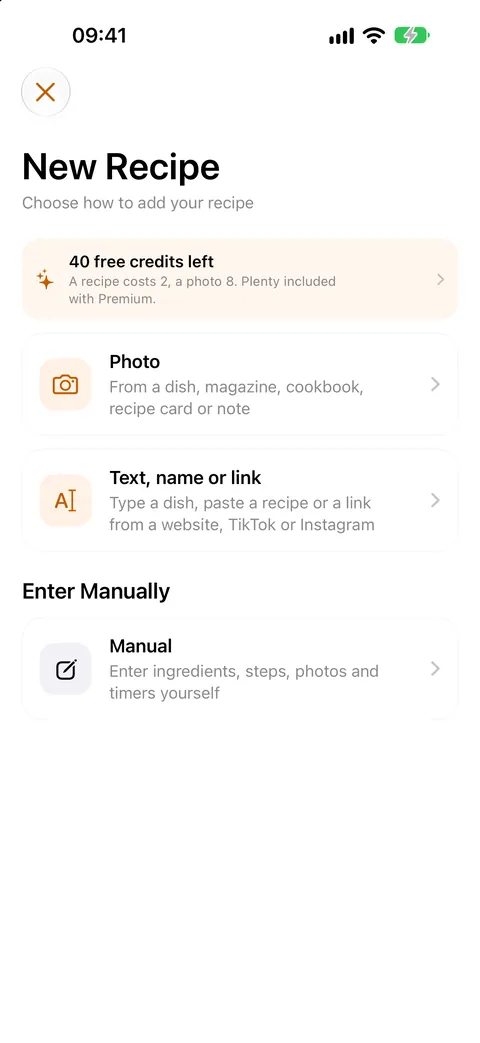
From websites and social media
In Safari or another app, tap the share button and choose Tafelo, or paste the link in the app. Tafelo pulls out the recipe: ingredients, steps, servings and time. If a social media link doesn't work, share a screenshot of the recipe.
- Works with recipe websites and social media links
- Also with plain text you paste
- Or just a dish name: Tafelo writes a recipe for it
Photo of a cookbook or recipe card
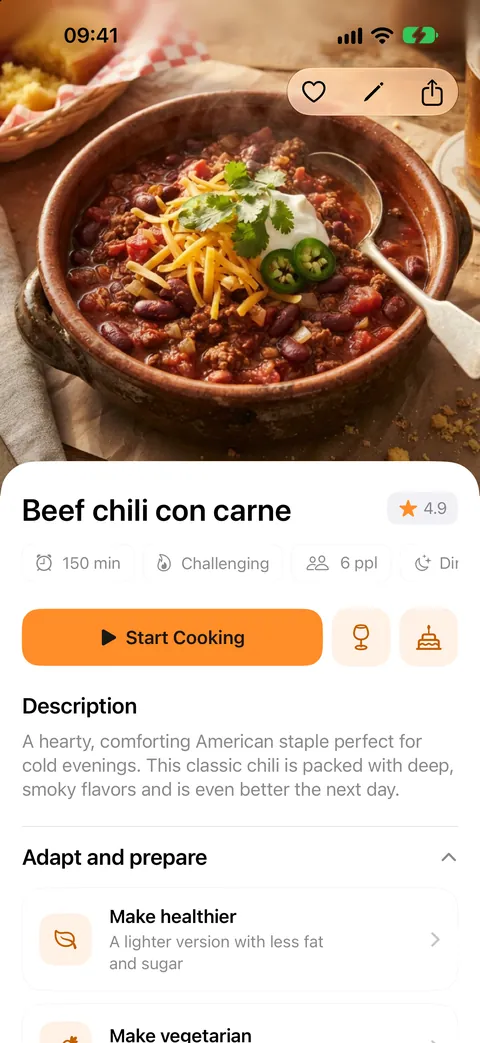
Take a photo of a recipe from a cookbook, magazine, recipe card or your own handwritten note. Tafelo turns it into a recipe you can edit. A photo of the dish itself becomes the recipe photo; without one, Tafelo makes one.
Switching from another recipe app
Export your recipes in your old app and open the file with Tafelo, from Files, Mail or AirDrop. You first see which recipes it contains and choose what to import; recipes you already have are skipped.
- Export files from various recipe apps
- The standard recipe format (schema.org, .json)
- A Tafelo backup (.zip)
And export again
Your recipes stay yours. Export them whenever you like, all or a selection, as a Tafelo backup, a PDF cookbook to print, or in the standard recipe format for other apps.
FAQ
Good to know
Does importing cost credits?
Making a recipe from a link, photo or text costs 5 AI credits (an AI photo 16). Importing an export file is free.
Which files can I import?
Export files from various recipe apps, files in the standard recipe format (schema.org) and Tafelo backups.
Can I save recipes from social media?
Yes, share the link with Tafelo. Sometimes a post can't be read; then share a screenshot of the recipe.