 Tafelo
Save recipes from Instagram, TikTok and other social media
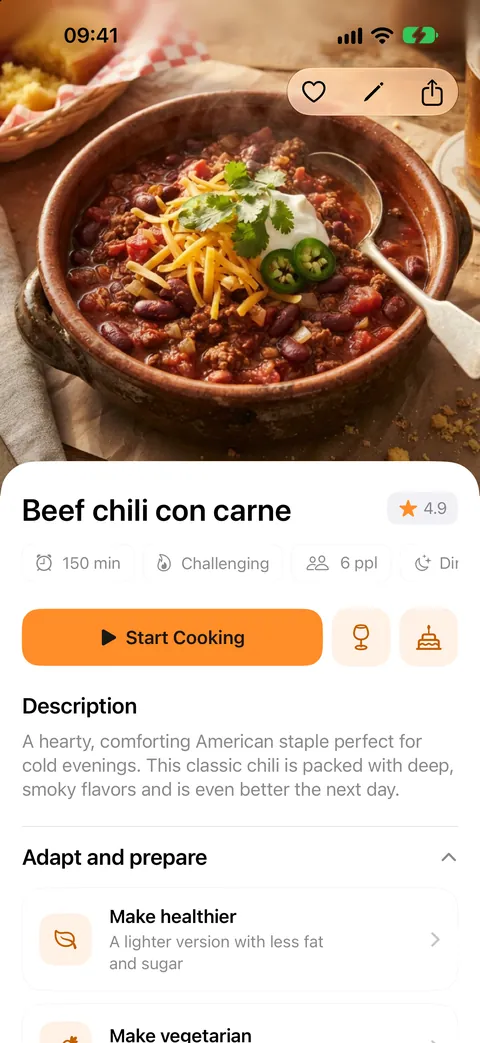
You see a delicious dish in a reel or video, and a week later you can't find it again. Share the post with Tafelo and it becomes a real recipe in your own collection: ingredients, amounts, steps and a photo.
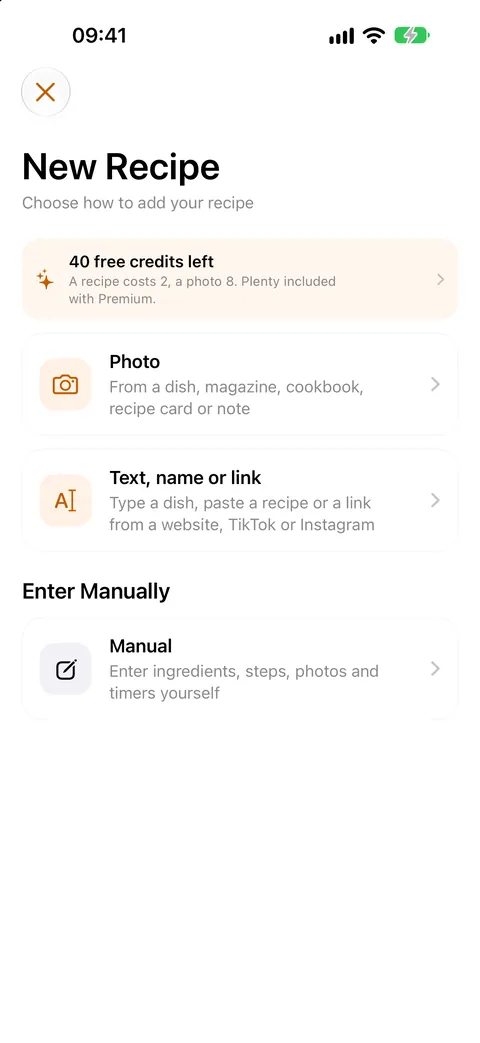
Share the post, Tafelo does the rest
In Instagram, TikTok, Facebook, YouTube or Pinterest, tap Share and choose Tafelo. Or copy the link and paste it in the app. Tafelo reads the caption or description and turns it into a recipe with ingredients, amounts, steps, servings and time, without the story, hashtags and comments around it.
- From the share menu of Instagram, TikTok, Facebook, YouTube and Pinterest
- Also with links from recipe websites
- The recipe goes into your own collection, on your iPhone and in your iCloud
Is the recipe only in the video?
Many creators only put the name of the dish in the caption. Then Tafelo writes a reliable recipe for that dish and says so in the description, so you know it was filled in. If the caption is short, Tafelo also looks at the post's image. Tafelo doesn't watch or listen to the video itself.
When a link can't be read
Some posts are private or only visible after logging in. Then Tafelo tells you, and you have two easy options: share a screenshot of the recipe, or copy the caption and paste it as text.
Then: plan, shop and cook
A saved recipe works like any other recipe: adjust it, put it in your weekly menu, add the ingredients to your grocery list and cook step by step with timers.
FAQ
Good to know
Does a recipe from Instagram or TikTok cost anything?
Turning a post into a recipe costs 5 credits. You get 15 welcome credits and 5 free credits every month, so you can start right away. Premium includes generous use.
Which apps can I share from?
Instagram, TikTok, Facebook, YouTube, Pinterest, Threads and X, plus recipe websites in Safari or any other browser. Anything with a share button and a link works.
Does Tafelo watch the video?
No. Tafelo reads the text of the post (caption or description) and, if there's little text, the image too. If the caption only names the dish, Tafelo writes a reliable recipe for it that you can adjust yourself.
Do I need an account?
No. Your recipes are on your iPhone and in your own iCloud. No account needed.