 Tafelo
Meal planner app: a week of dinners planned in one go
Tafelo makes a varied weekly dinner menu, with your own recipes where they fit and new ideas in between. Then your groceries are ready in one go.
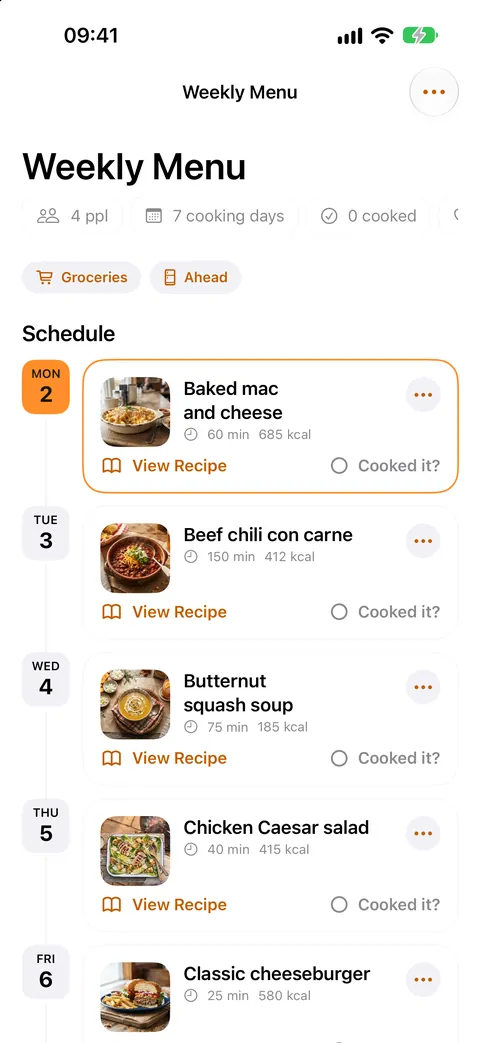
How to make a weekly menu
Choose the start day, how many days (1 to 7) and for how many people. Say what matters to you: quick on weekdays, smart with leftovers, a few vegetarian days, a budget or dietary needs. Rather talk? Plan your week in the chat.
Mention what's going on too, for example: I work out on Wednesday, Friday is pizza night, more fish please.
- Themes like high protein, flexitarian, budget, quick or family with kids
- What you ate in recent weeks won't come back right away
- Turn new ideas into a complete recipe with one tap
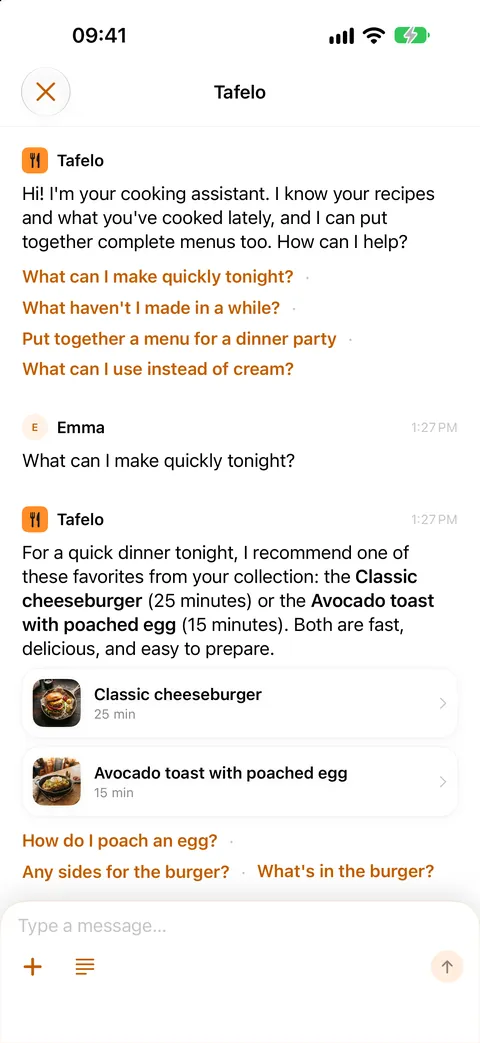
Adjust any day
A day doesn't fit? Get another suggestion, pick something quicker or vegetarian, choose one of your own recipes, or mark the day off when you eat out. Cooked it? Tick the day off.
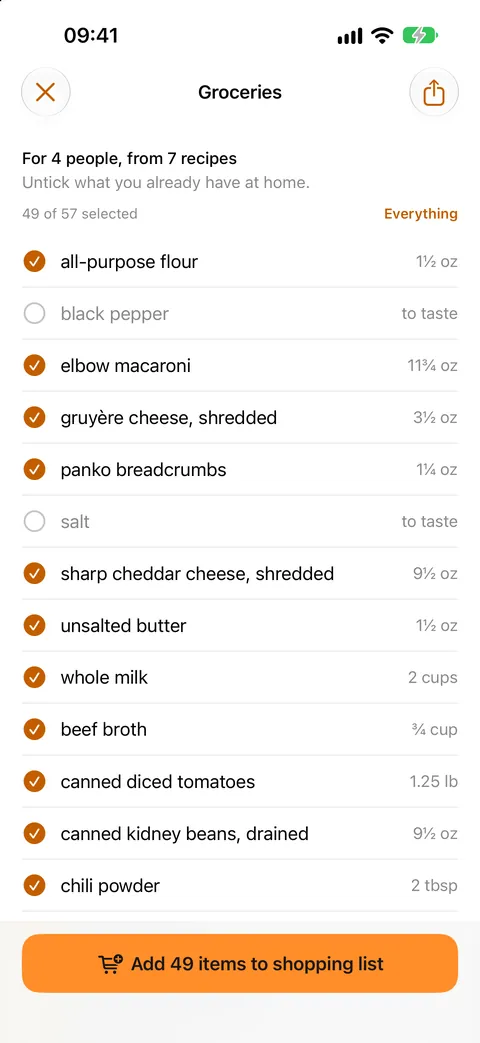
Groceries and prep ahead
One tap gives you the groceries for the whole week: ingredients from all recipes added up and scaled to the number of people. Untick what you already have and send the rest to Reminders.
Got some time on Sunday? Prep Ahead makes a plan of what you can prepare in advance and how to store it.
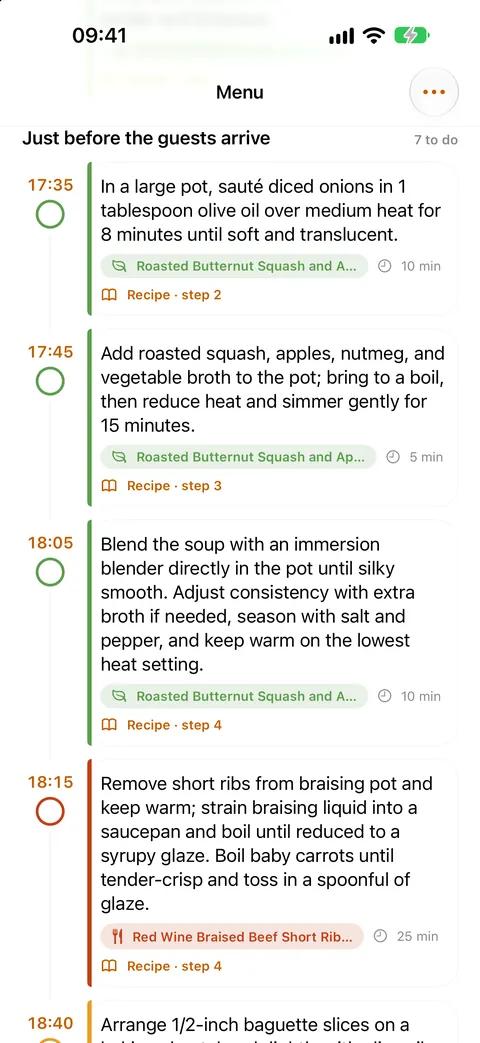
Menus for an occasion
For a birthday, holiday dinner or dinner with friends, put together a menu with the courses you want, from nibbles to dessert. Tafelo adds a timeline so everything is on the table on time.
FAQ
Good to know
Does a weekly menu cost credits?
Making a weekly menu costs 2 AI credits. Turning a new idea into a complete recipe costs 5. Premium includes generous use.
Is the weekly menu also for breakfast and lunch?
No, the weekly menu is for dinner. For breakfast and lunch you get a daily suggestion on the home screen.
Does Tafelo use my own recipes?
Yes. Where they fit, Tafelo puts your own recipes in the menu and fills in with new ideas.