 Tafelo
Your digital recipe book: all your recipes in one place
Recipes on scraps of paper, in screenshots, cookbooks and on websites: in Tafelo they're all together. You find them again in seconds, cook them step by step and turn them into your own cookbook.
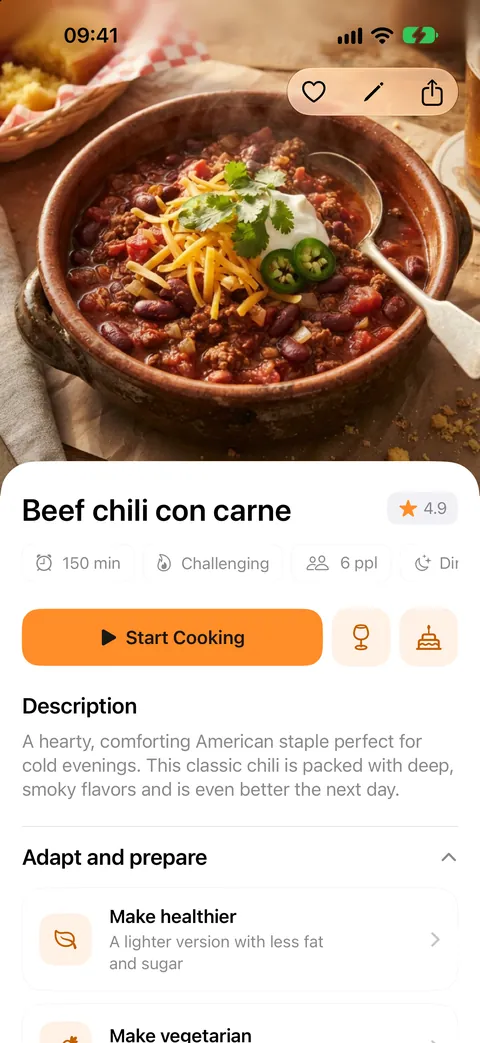
Everything together, on your iPhone and in your iCloud
Add recipes from a website, Instagram or TikTok, a photo of a cookbook or recipe card, or just a dish name. You can also type them in yourself, with ingredients, steps, photos and timers. From another recipe app, you bring all your recipes over at once with that app's export file.
- Typing in and saving recipes is free and unlimited
- On iPhone, iPad and Mac through your own iCloud, no account needed
- Your recipes also work offline
Find the right recipe fast
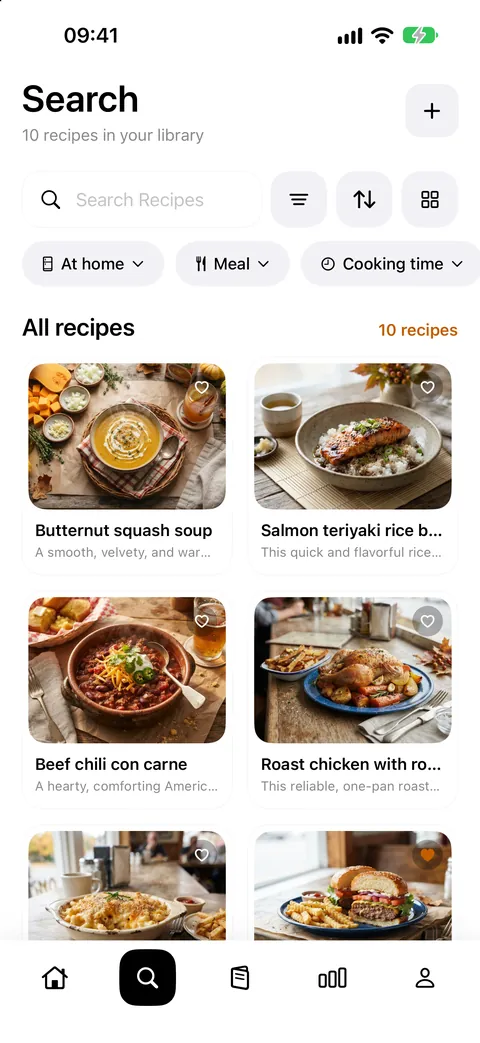
Search by name, description or ingredient. Tafelo knows synonyms, so “potato” also finds dishes with potatoes, and “without coriander” leaves out recipes with coriander. Filter by meal, cooking time, diet, main ingredient, cuisine, cooking method and budget.
- Sort by recently added, last or most cooked, not cooked in a while, quickest, rating or A–Z
- Mark favourites and give star ratings
- Quickly find what you haven't made in ages
Your own cookbook as a PDF
Choose all your recipes or a selection and Tafelo turns them into a PDF cookbook: with a cover, a table of contents you can tap and every recipe on its own page, with photo, ingredients, method and nutrition. To print, keep or give as a present. Sharing a single recipe as a PDF works too.
Your recipes stay yours
Export all your recipes or a selection as a Tafelo backup, with photos, favourites and cooking history, or in the standard recipe format (schema.org) that other apps read. So you're never locked in.
From recipe book to kitchen
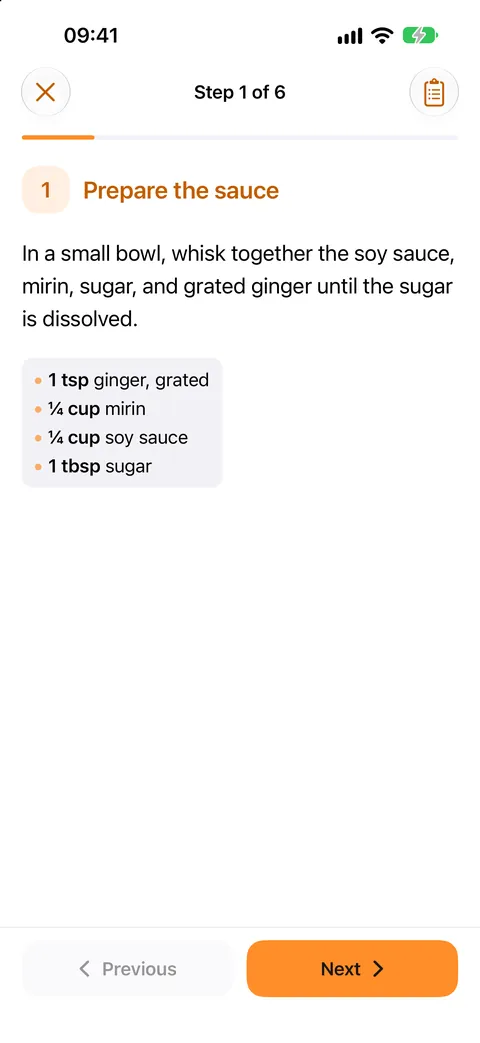
Change the number of servings and the amounts scale along. Put a recipe in your weekly menu, add the ingredients to your grocery list and cook step by step with timers.
FAQ
Good to know
Does a recipe organizer in Tafelo cost anything?
No. Saving, typing in, searching, organising, exporting and cooking recipes is free and unlimited. Only when the AI makes a recipe for you, for example from a link or photo, does it cost 5 credits.
Can I print my recipe book?
Yes. Make a PDF cookbook of all your recipes or a selection, with a cover and table of contents, and print or share it.
Can I bring recipes from another app?
Yes. Import the export file of another recipe app or a file in the standard recipe format. You first see which recipes are in it and choose what to add; recipes you already have are skipped.
Where are my recipes stored?
On your iPhone and in your own iCloud, and so also on your iPad and Mac. We can't see them and you don't need an account.